


Retail & Business Services
2012 - 2014
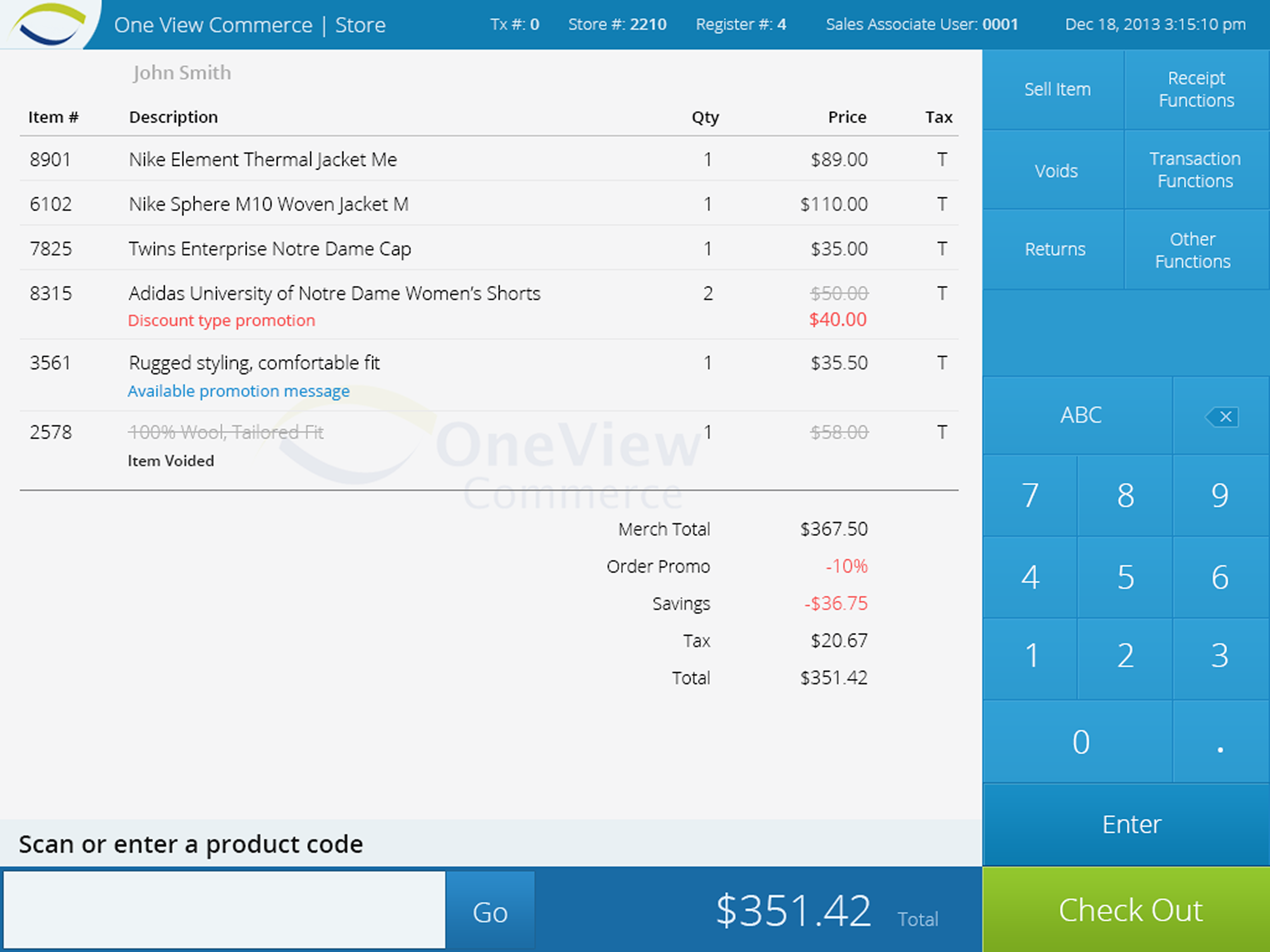
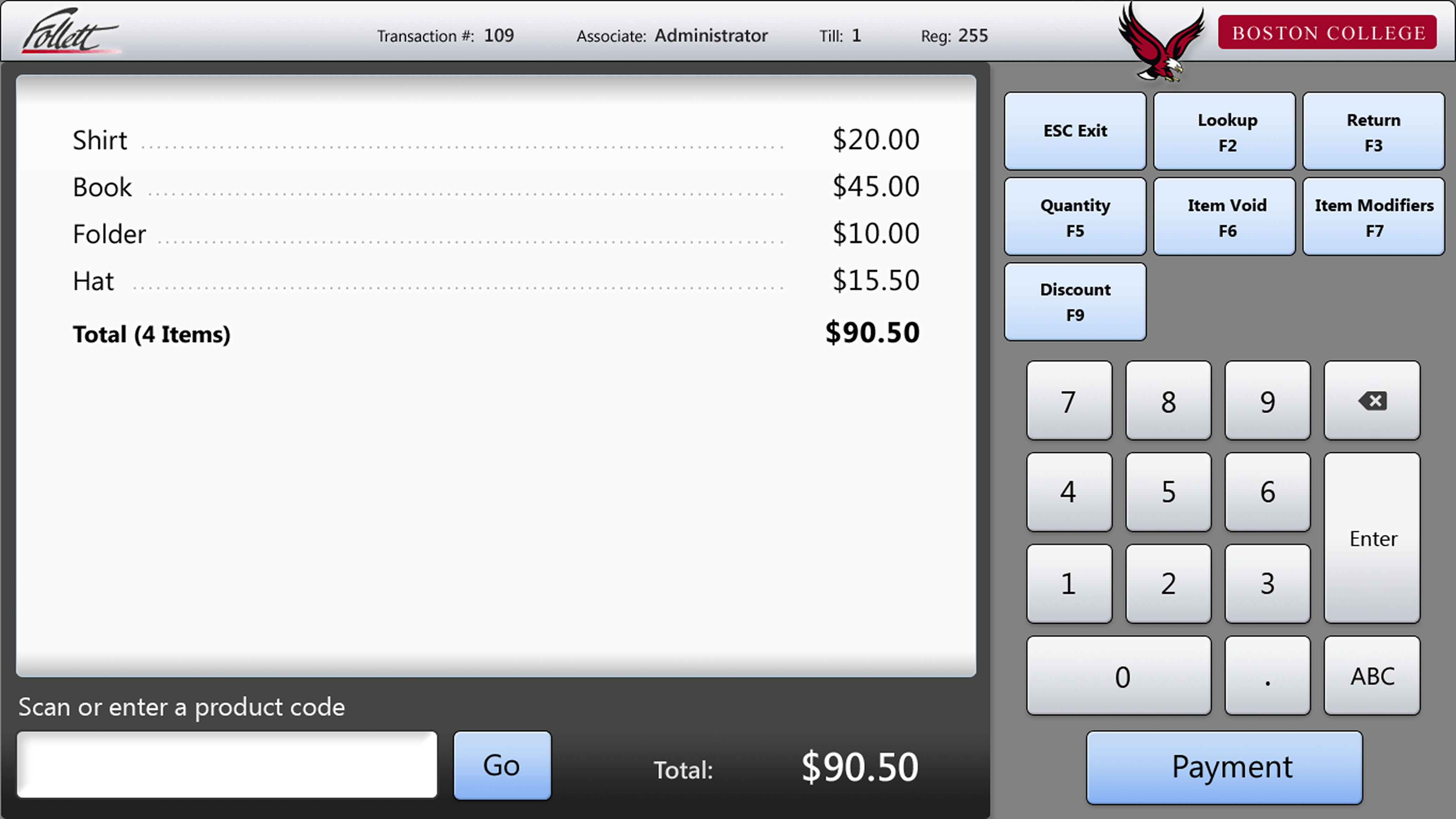
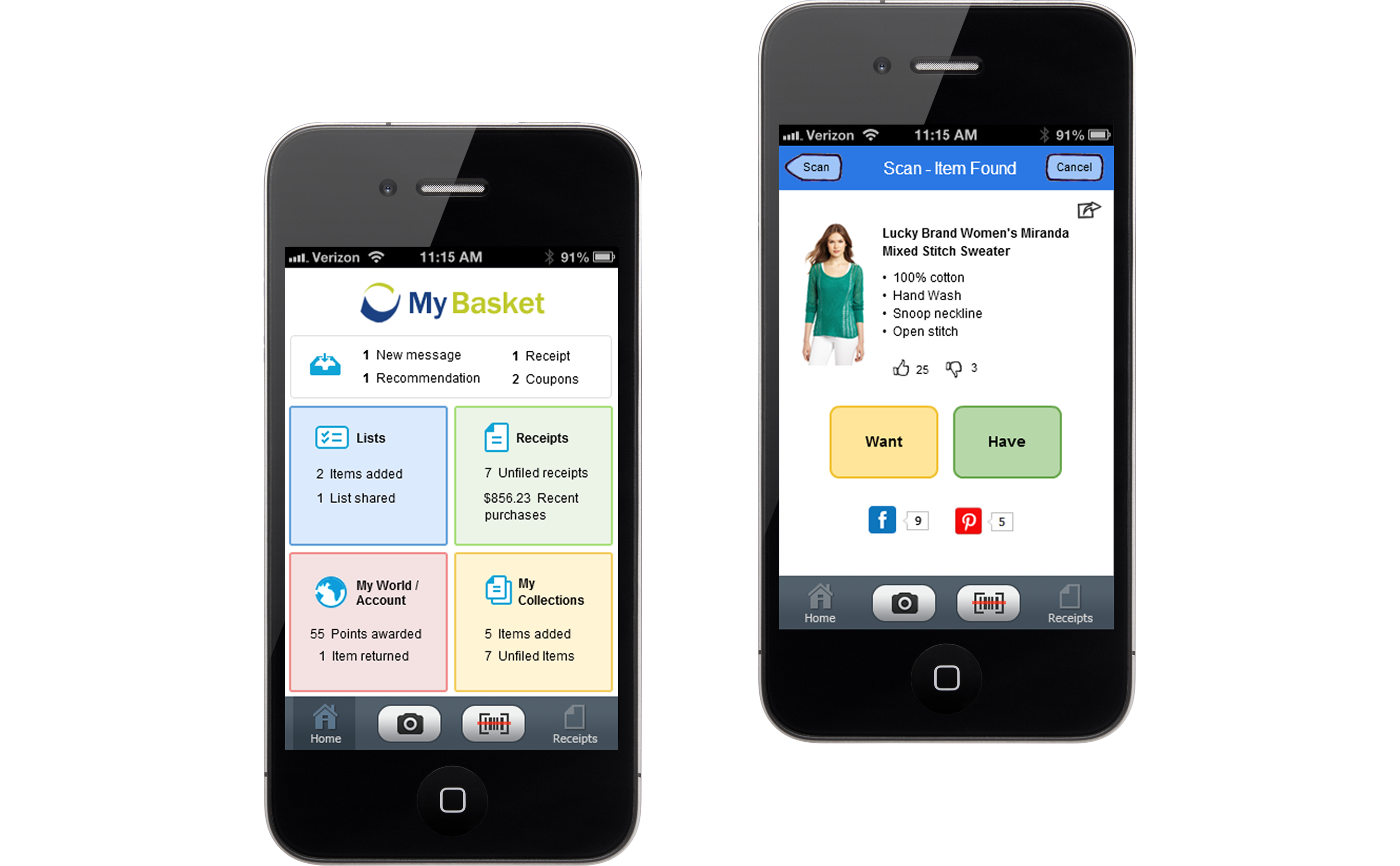
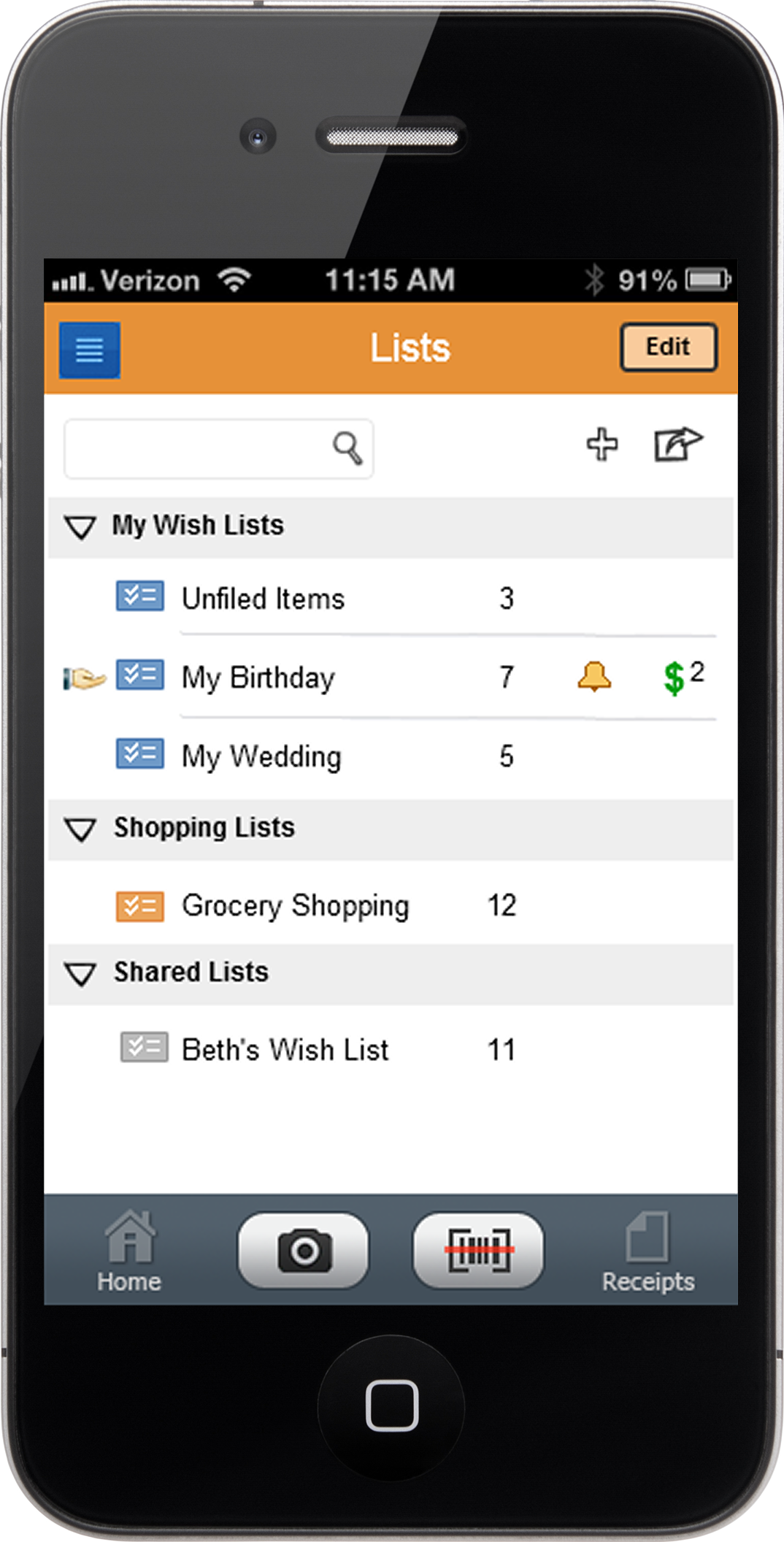
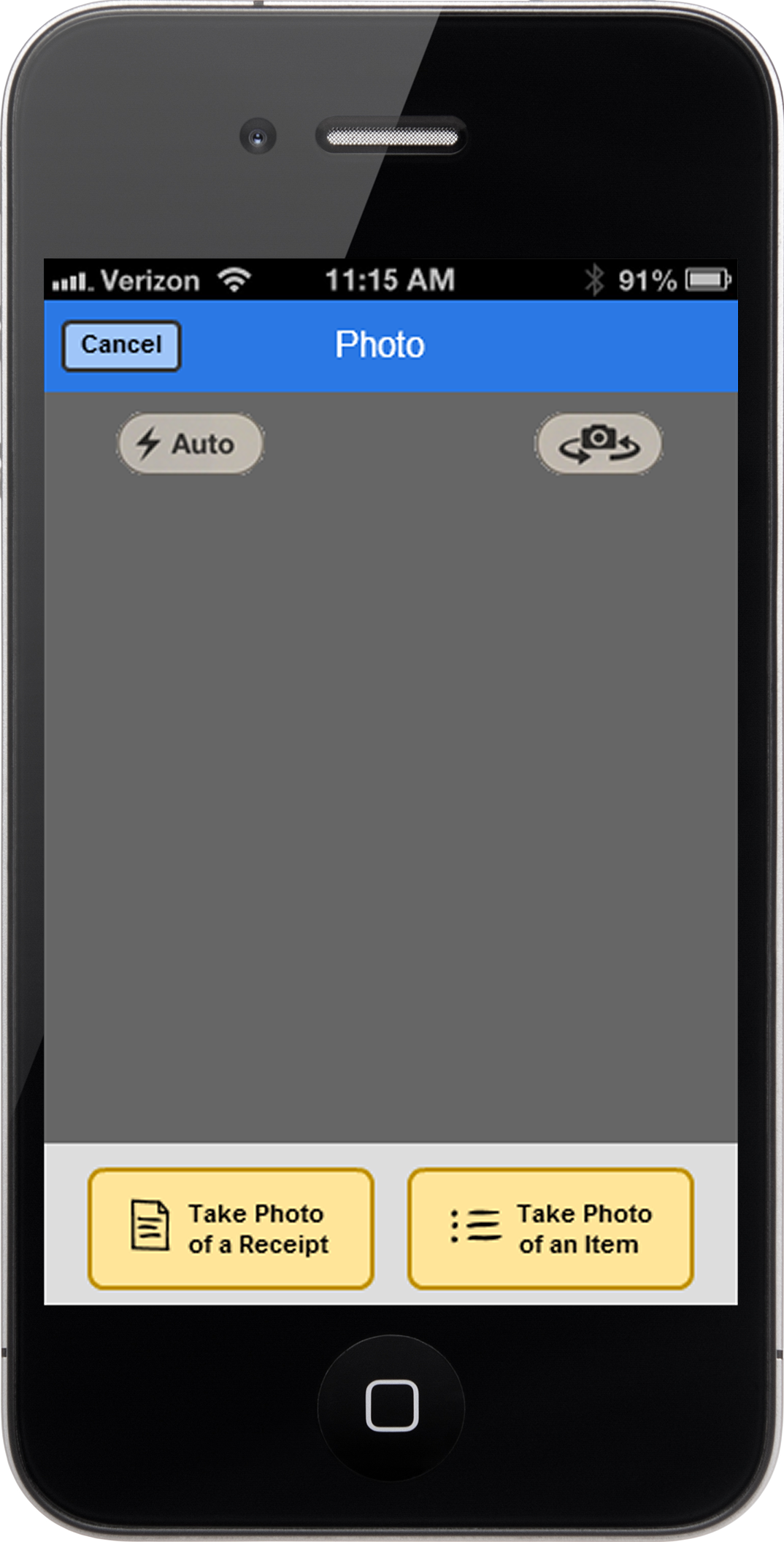
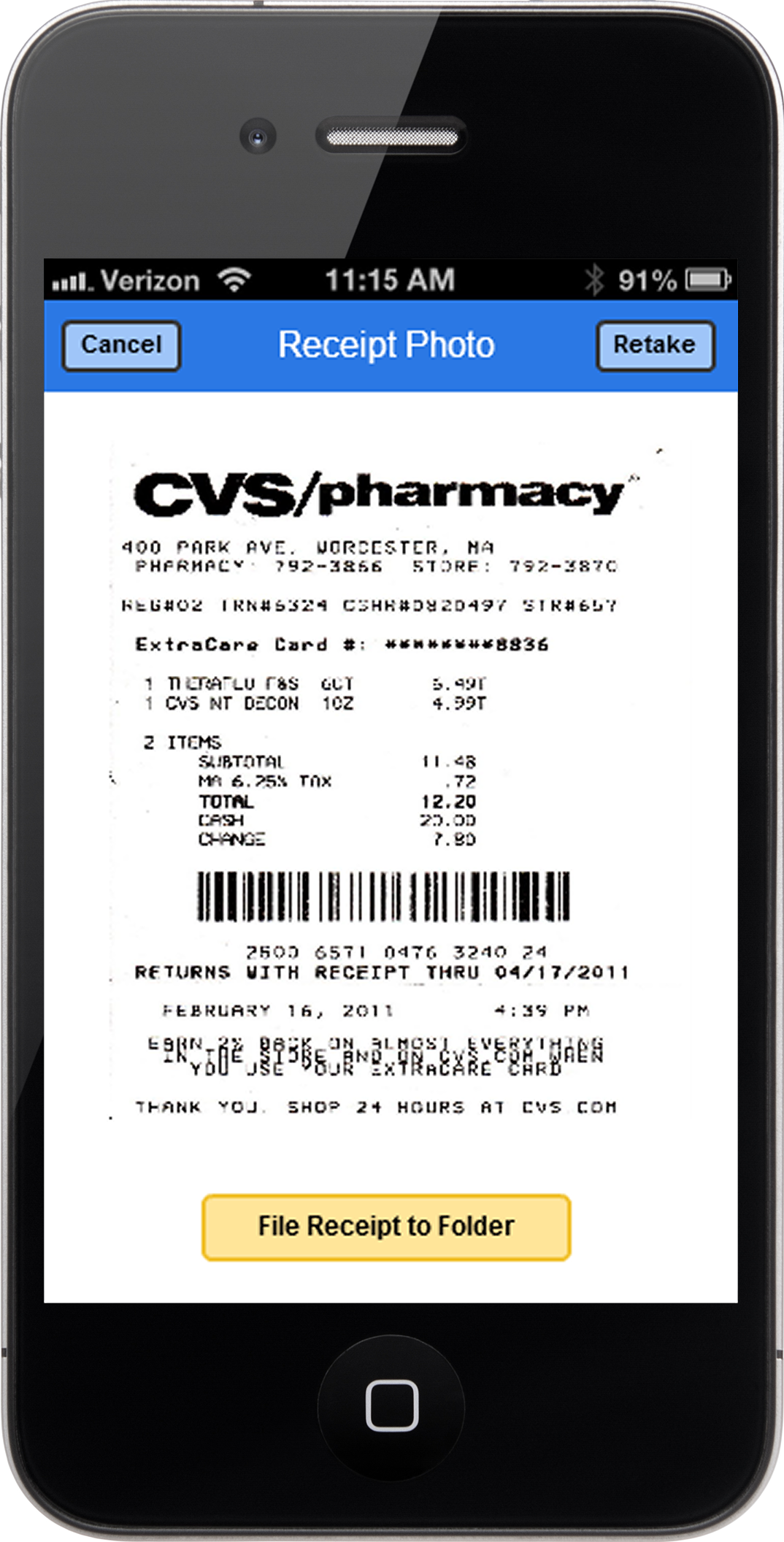
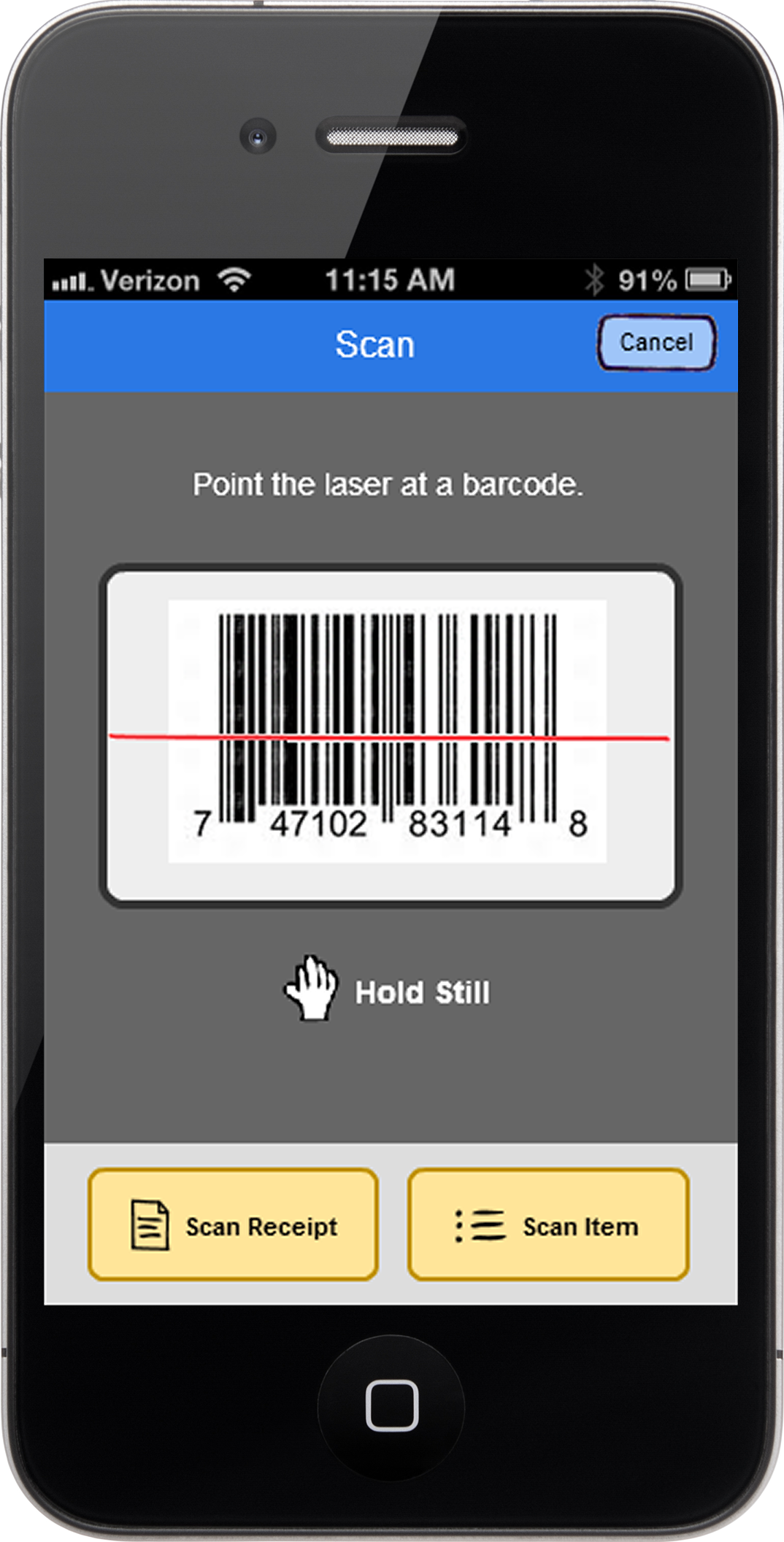
I provided UX designs for OneView Commerce to support its cloud-based point-of-sale (POS) platform and Unified Commerce solutions, which connect in-store, online, and mobile shopping experiences. Below are samples from more than 10 projects I contributed to.
smartkauf
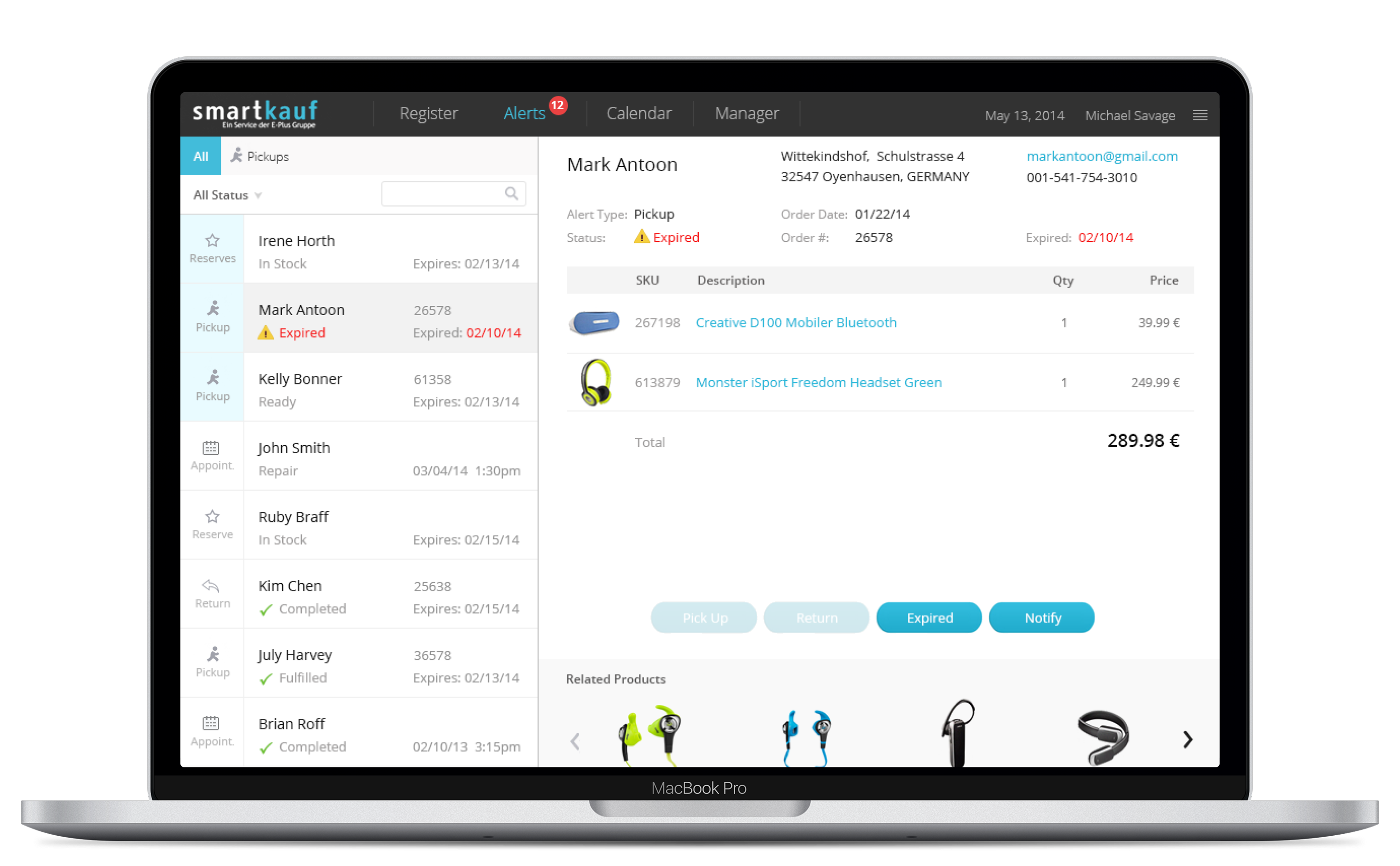
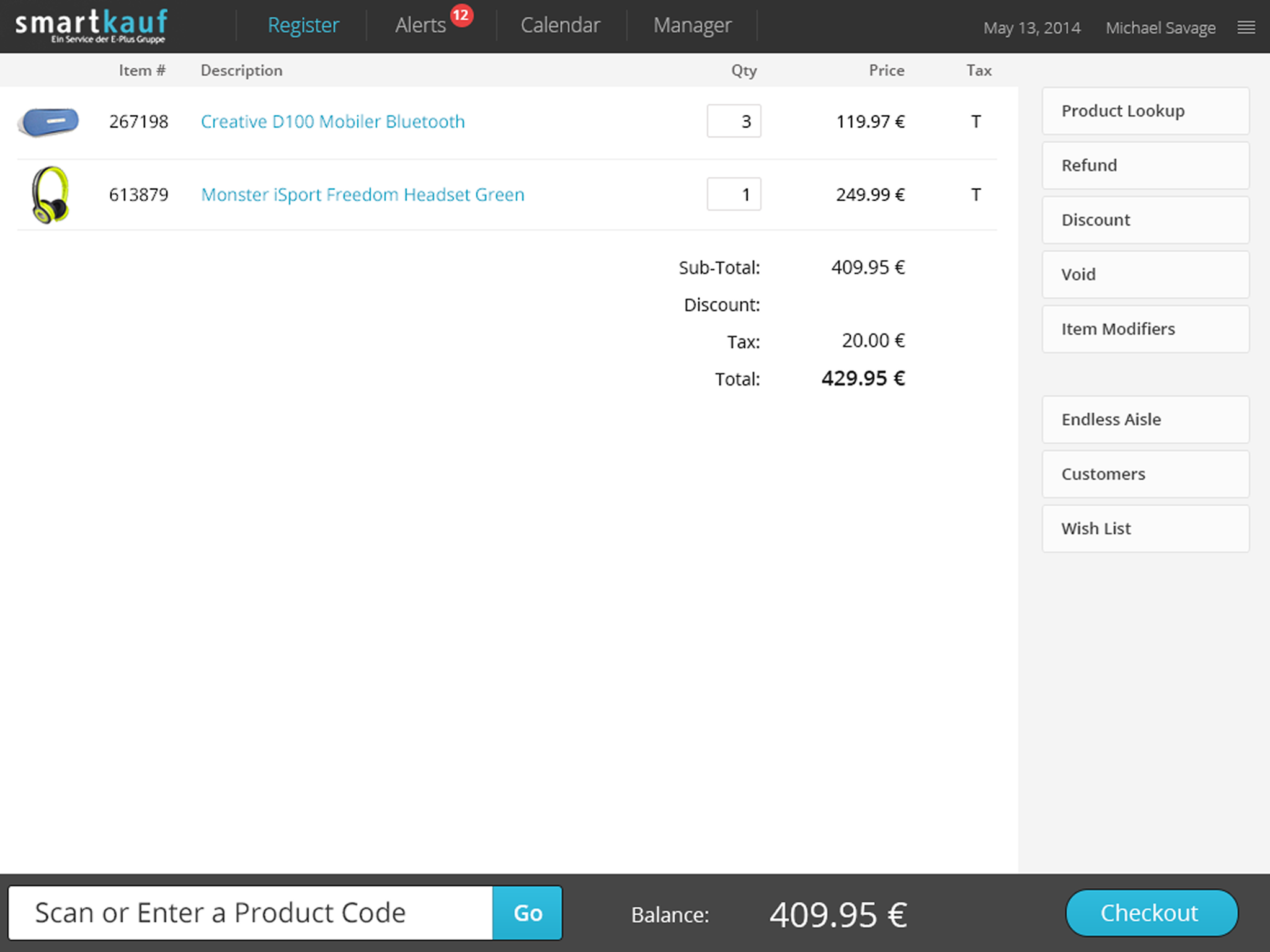
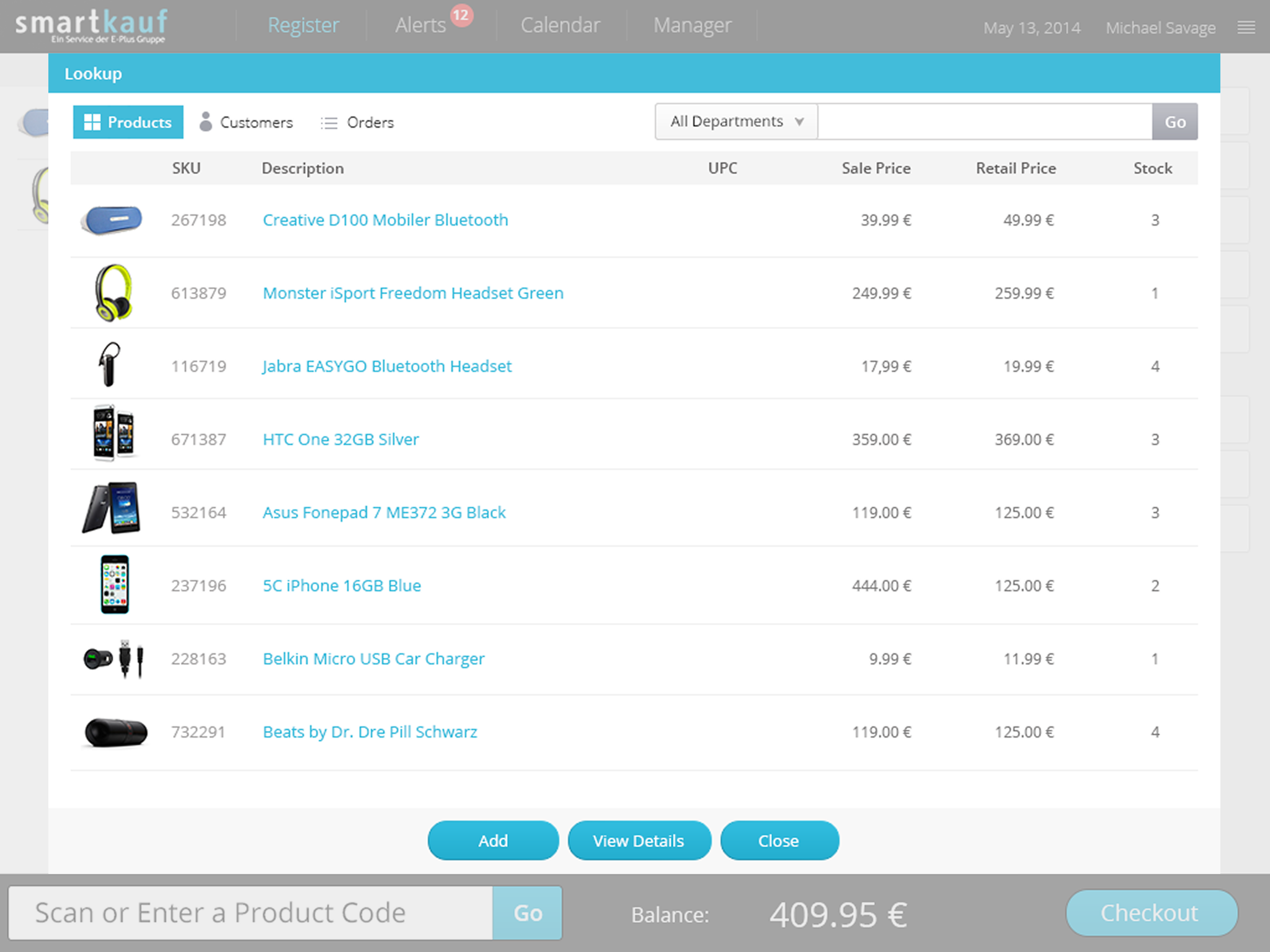
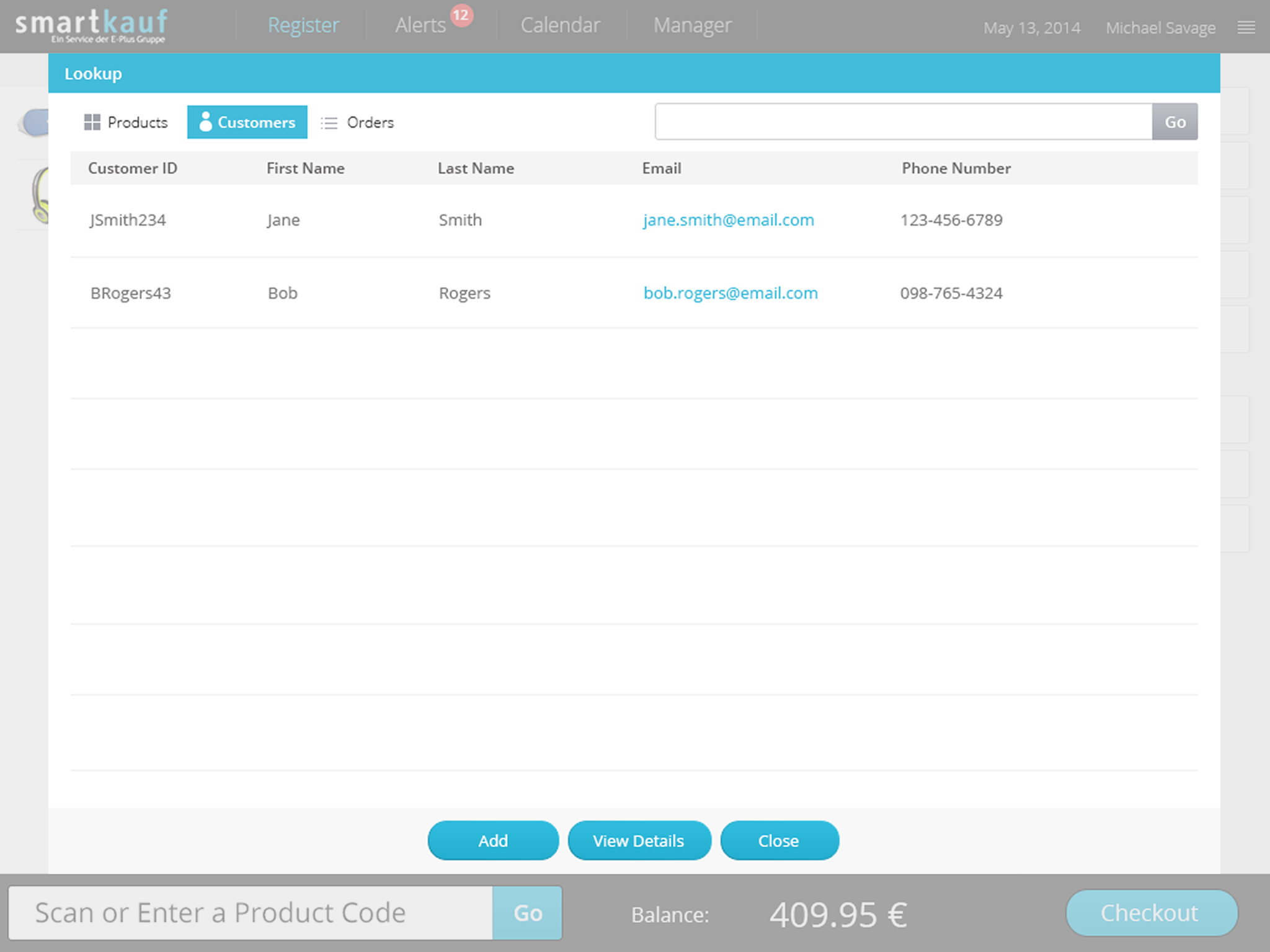
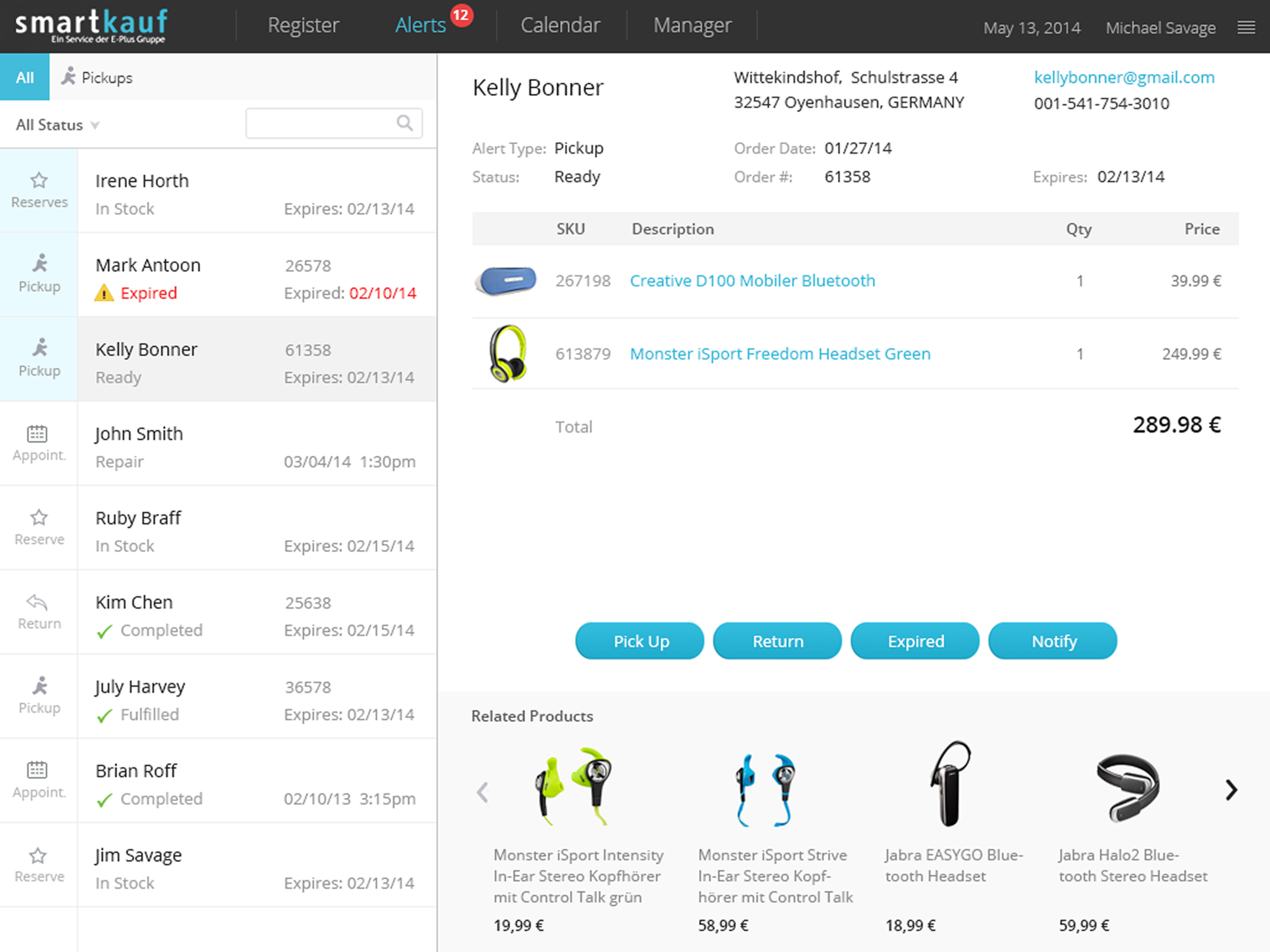
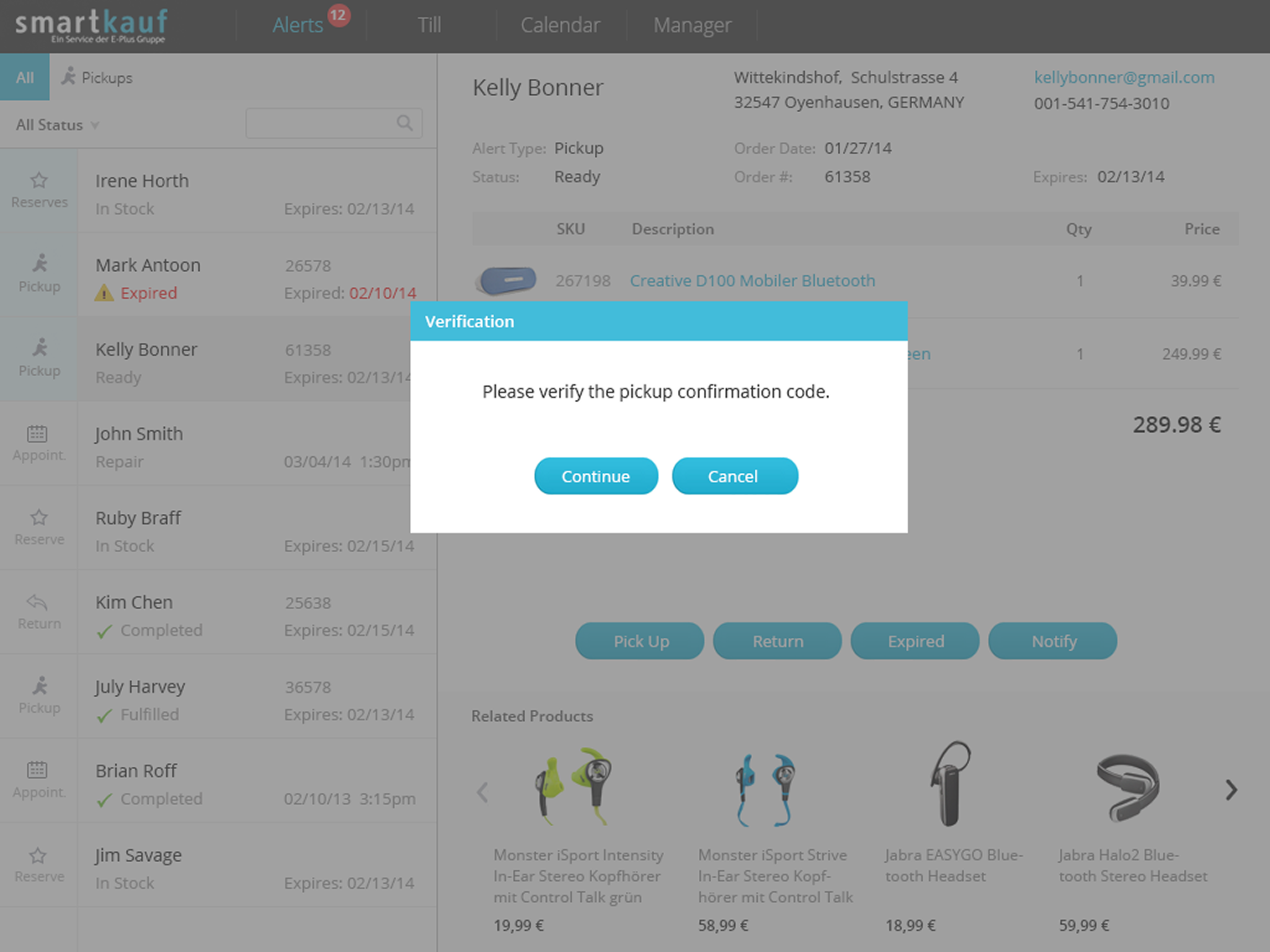
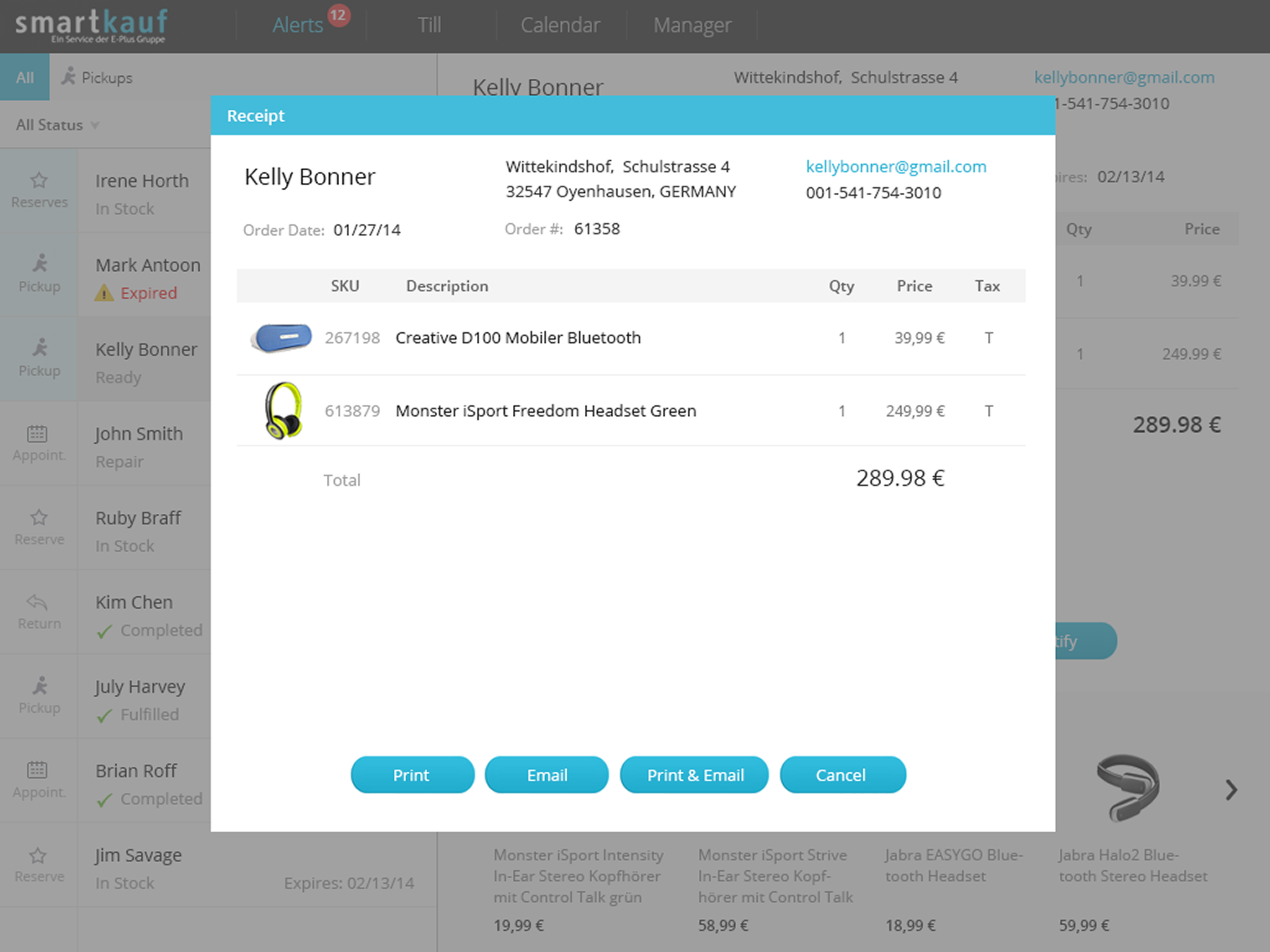
Led the design of a first-generation cloud-based point-of-sale (POS) system that unified POS, order management, inventory, and customer data into a single real-time platform, replacing legacy systems. Successfully launched the solution across thousands of retail locations worldwide.
Coming Soon
2012

smartkauf
Mission
As part of TIAA’s major redesign, management wanted to enhance the customer experience of the desktop trading app, especially for less experienced senior customers.
Challenges
Similar to the mobile trading app, the desktop trading platform was powerful but difficult for less experienced senior customers to use. Many struggled to fill out the forms—especially when placing multiple orders, such as selling an investment and then using the funds to buy another.
My Contributions
To stay consistent with the mobile trading app, I redesigned the desktop app using a Q&A approach that guides users step by step through the process. It takes into account the investments they already hold and the actions they want to take, while also considering their investment objectives and risk tolerance.
Impact
The new desktop trading app was well received by customers. They found the step-by-step guidance extremely helpful and said it made their decisions easier along the way. Users were able to complete their tasks without any issues.
Select sell transaction
Users can choose either a Buy or Sell transaction.
Select investment to sell
After selecting a sell transaction, users can then choose which investment in their account they want to sell.
Add sell order
After entering the sell order details, the order is added. The app then shows users how much cash will be available and whether they are overweight in any asset allocation categories.
From there, users can choose to place the order immediately, buy another investment, or sell an additional holding.
From there, users can choose to place the order immediately, buy another investment, or sell an additional holding.
select investment to buy
Users can then select another investment to buy, enter the order details, and continue.
Place orders
After adding both the sell and buy orders, users can choose to place the orders.
Advanced POS systems
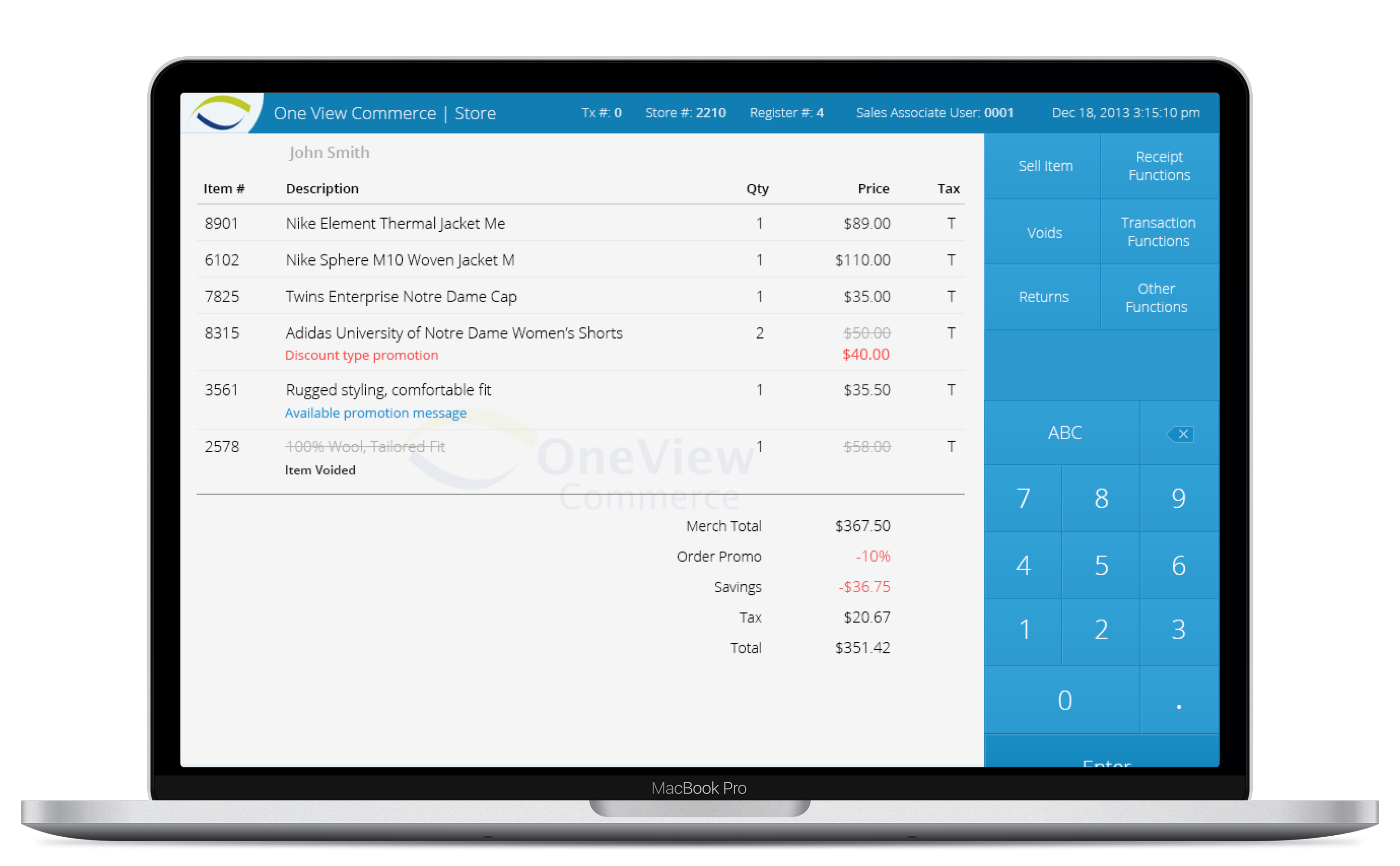
Designed multiple POS systems for the first generation of mobile devices deployed across thousands of retail locations and millions of devices worldwide.
Coming Soon
2014
Retirement Planning
Mission
...
Challenges
...
My Contributions
...
Impact
...
My Basket
2013
Coming Soon

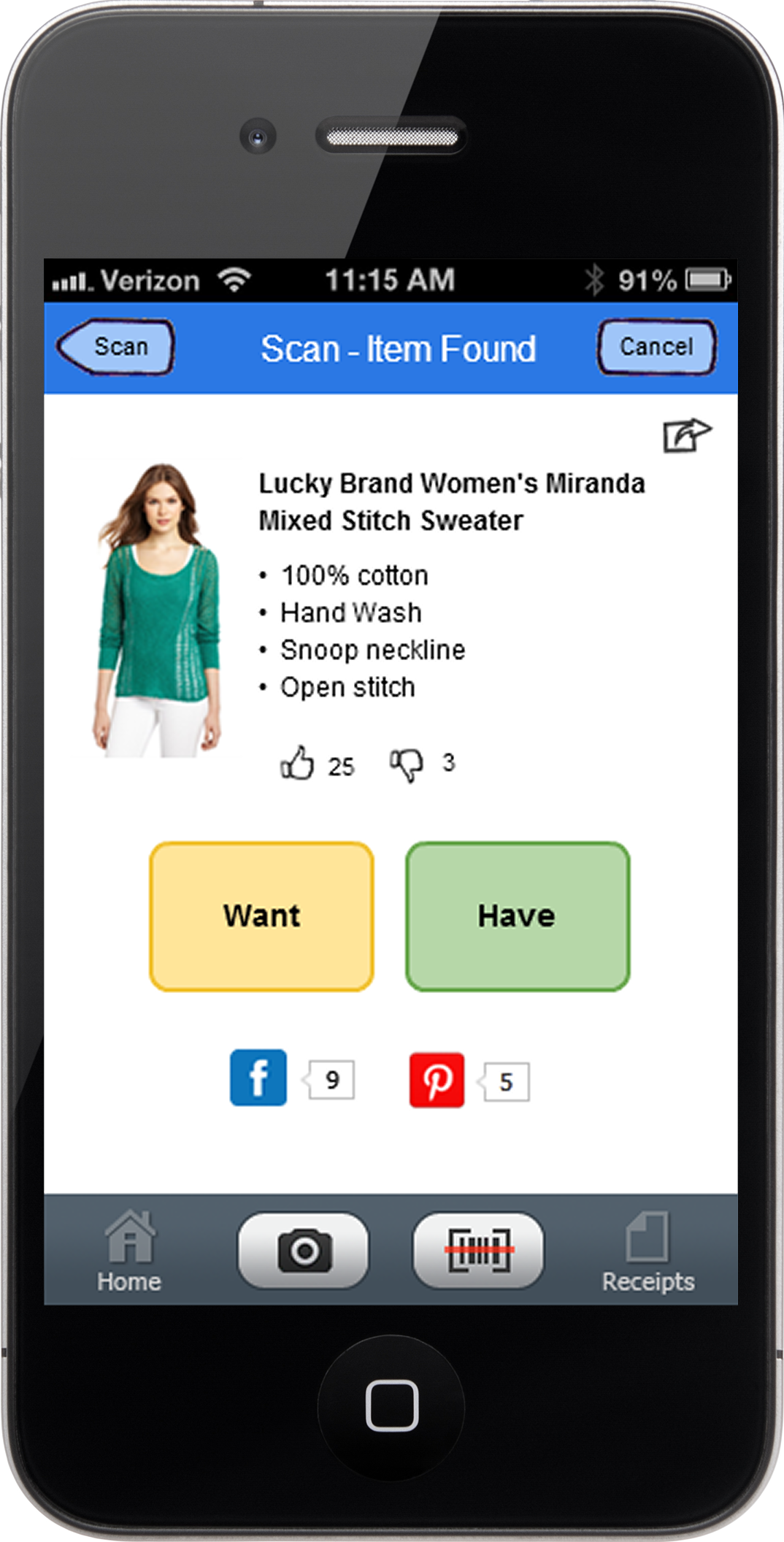
2013
My Basket
Mission
As part of TIAA’s major redesign, management wanted to enhance the customer experience of the mobile trading app, especially for less experienced senior customers.
Challenges
The existing mobile app was powerful but difficult for less experienced senior customers to use. Many had trouble filling out the form—especially when they needed to place multiple orders, such as selling an investment and then using the funds to buy another.
My Contributions
I redesigned the app using a Q&A approach that guides users step by step through the process. It takes into account the investments they already hold and the actions they want to take, while also considering their investment objectives and risk tolerance.
Impact
The new mobile trading app was well received by customers. They found the step-by-step guidance extremely helpful and said it made their decisions easier along the way. Users were able to complete their tasks without any issues.
Select investment to sell
After selecting a sell transaction, users can then choose which investment in their account they want to sell.
Add sell order
After entering the sell order details, the order is added. The app then shows users how much cash will be available and whether they are overweight in any asset allocation categories.
From there, users can choose to place the order immediately, buy another investment, or sell an additional holding.
From there, users can choose to place the order immediately, buy another investment, or sell an additional holding.
select investment to buy
Users can then select another investment to buy, enter the order details, and continue.
Place orders
After adding both the sell and buy orders, users can choose to place the orders.
OneView POS system
2012
Coming Soon
2012
OneView POS system
Mission
...
Challenges
...
My Contributions
...
Impact
...
Follett POS system
2012
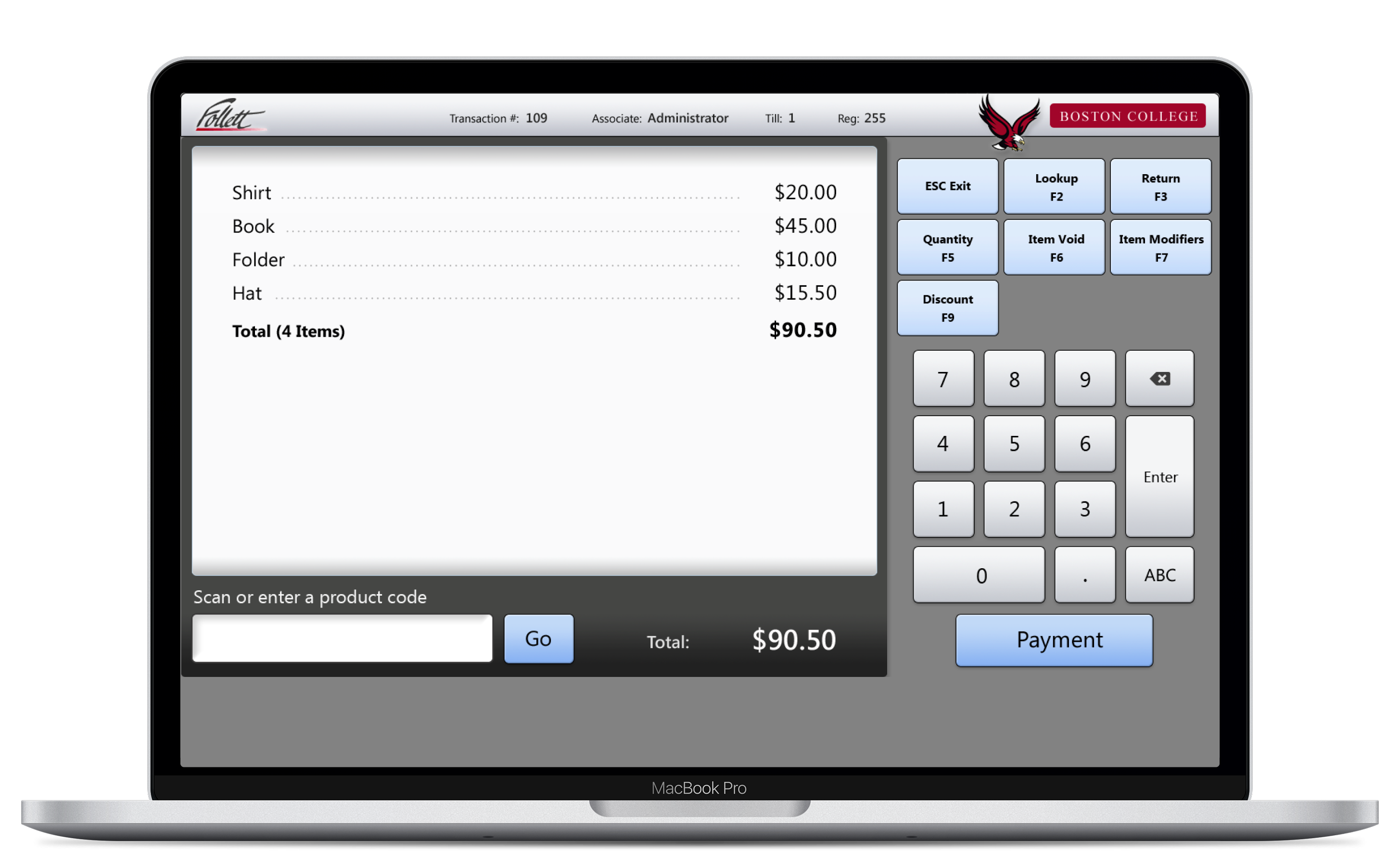
Coming Soon
2012
Follett POS system
Mission
...
Challenges
...
My Contributions
...
Impact
...
O’Reilly POS system
2012
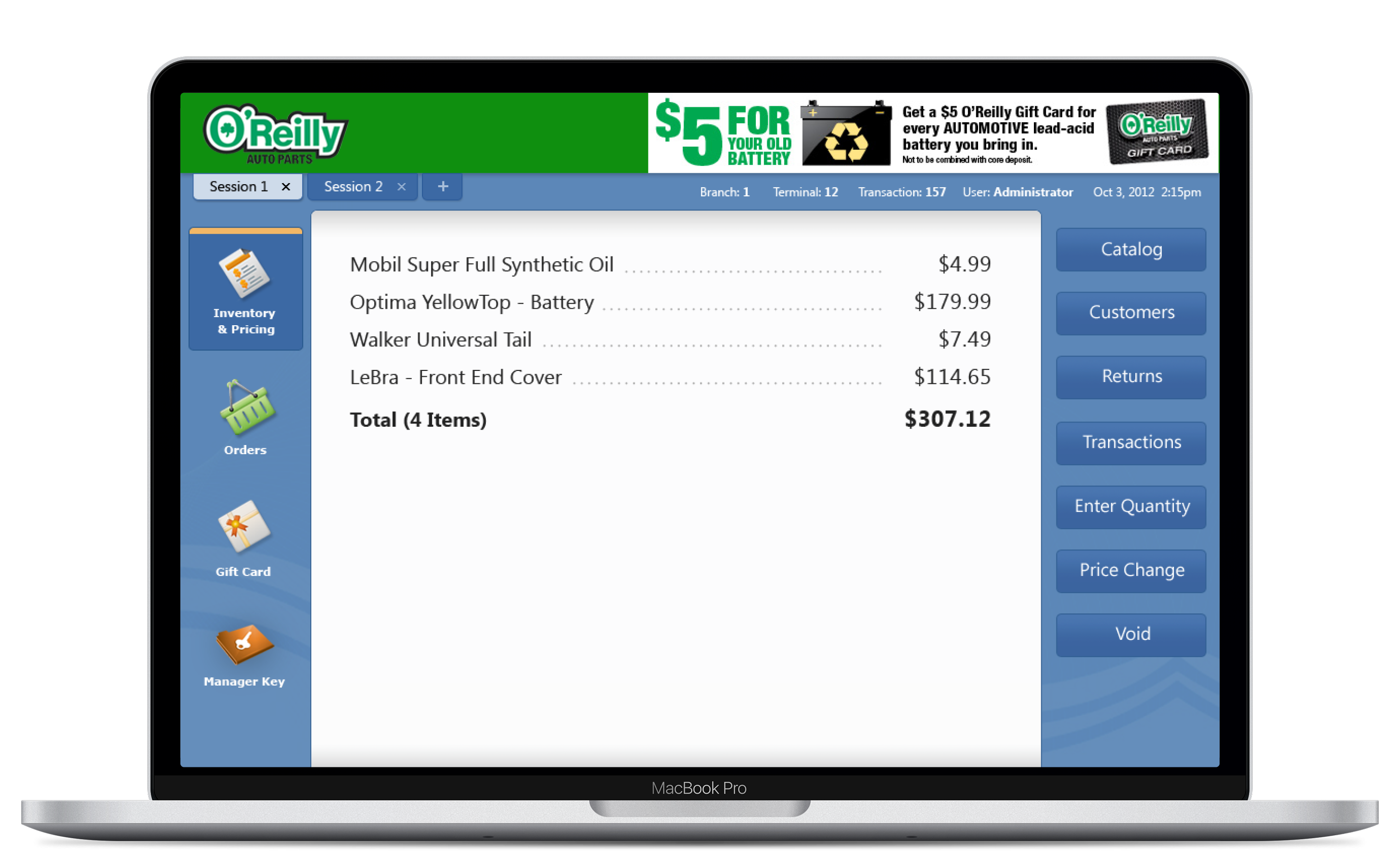
Coming Soon
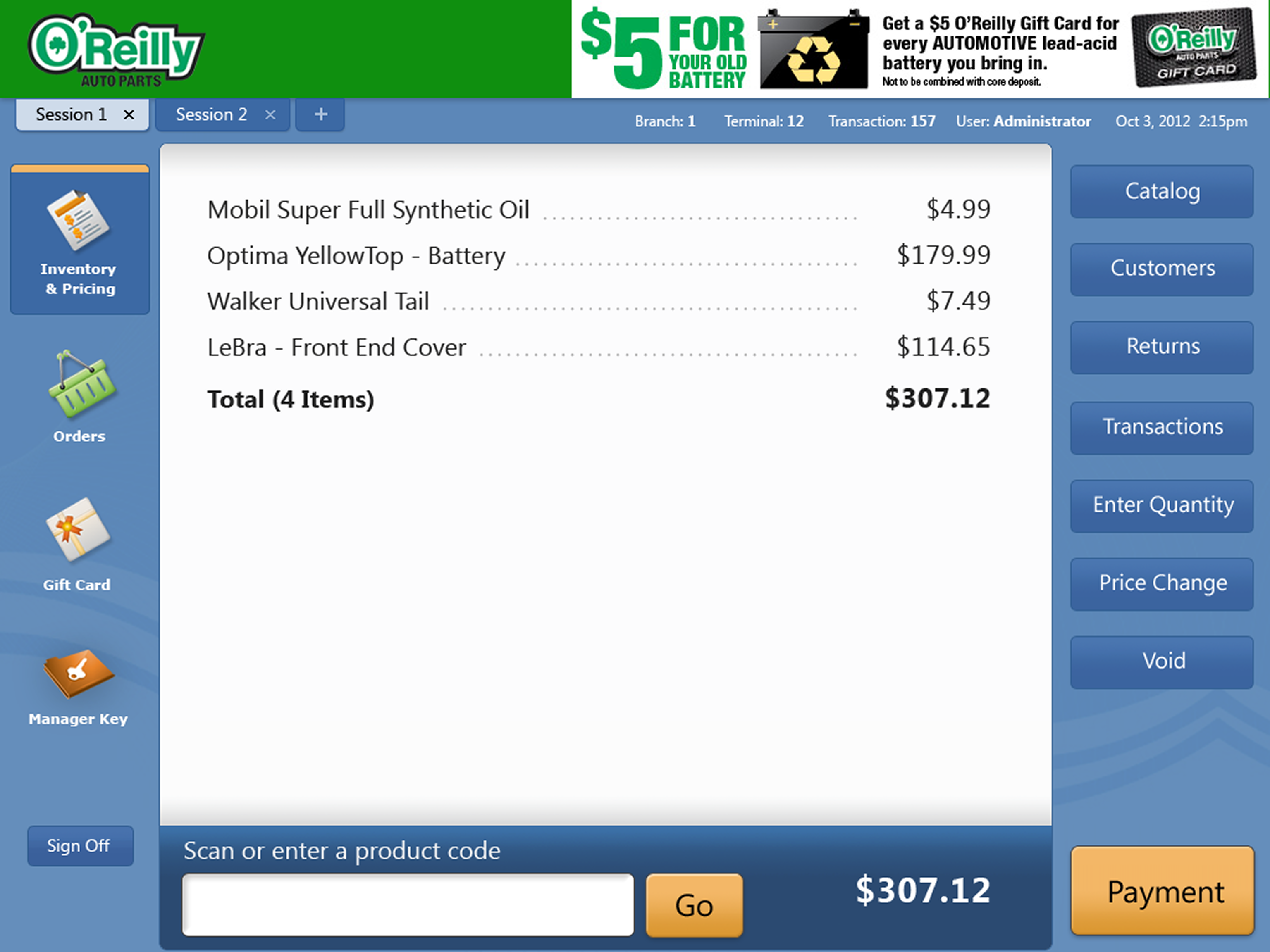
2012
O’Reilly POS system
Mission
...
Challenges
...
My Contributions
...
Impact
...


